Introduction
Installing a FiveM server on a VPS may seem complex, but with the right tools, it can be done in minutes.
Prerequisites
Before starting, make sure you have:
- A VPS with Debian 11+ or Ubuntu 20.04+
- Root access (SSH)
- Minimum 4 GB RAM
- 20 GB disk space
- A CFX.re license (free at keymaster.fivem.net)
Automatic installation (recommended)
The easiest method is to use an automatic installation script.
Single command
Connect via SSH to your VPS and run:
apt update -y && apt full-upgrade -y && apt install curl screen -y && bash <(curl -s https://raw.githubusercontent.com/LucasCFXHosting/autoinstallationfvm/main/setup.sh)What the script does
- Updates the system
- Installs MariaDB 11.4 (database)
- Configures phpMyAdmin (web database interface)
- Downloads FiveM artifacts
- Configures txAdmin (management panel)
- Creates startup scripts
Manual installation
If you prefer to control each step:
Step 1: System update
apt update && apt upgrade -y
apt install wget curl tar xz-utils screen -y
Step 2: Create a FiveM user
adduser fivem
usermod -aG sudo fivem
su - fivem
Step 3: Download FiveM
mkdir ~/fxserver && cd ~/fxserver
wget https://runtime.fivem.net/artifacts/fivem/build_proot_linux/master/[VERSION]/fx.tar.xz
tar xvf fx.tar.xz
Step 4: Basic configuration
Create the server.cfg file with essential parameters:
- endpoint_add_tcp and endpoint_add_udp on port 30120
- sv_hostname for your server name
- sv_maxclients for player count
- set onesync on for large servers
Step 5: Start the server
Use screen to keep the server active:
screen -S fivem
./run.sh +exec server.cfg
Press Ctrl+A then D to detach the session.
txAdmin configuration
After installation, txAdmin is accessible on port 40120.
On first connection:
- Enter the PIN shown in console
- Create your admin account
- Configure your server
Ports to open
- 30120 TCP/UDP: Player connections
- 40120 TCP: txAdmin panel
Conclusion
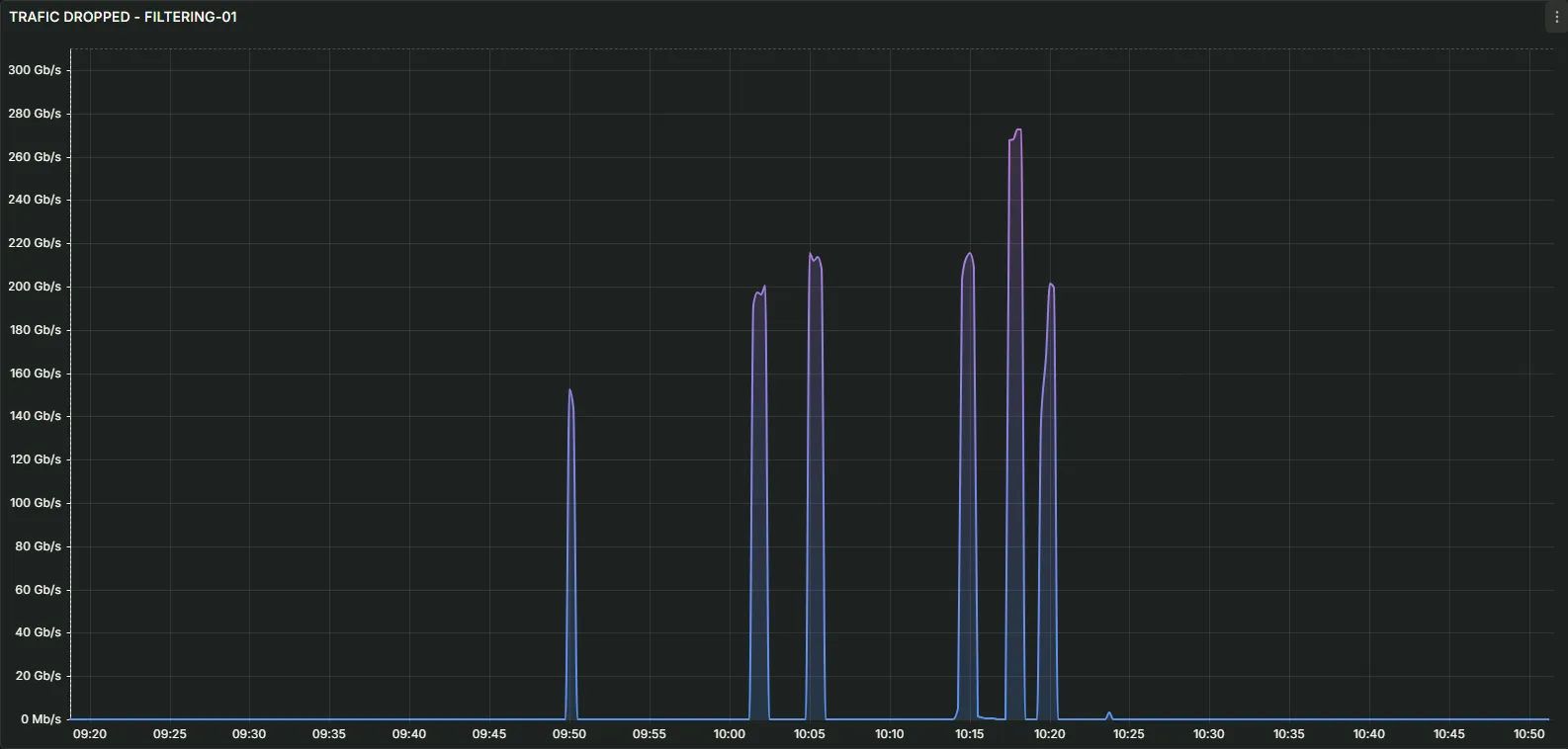
Your FiveM server is now installed! For an optimal experience, consider adding Anti-DDoS protection.
Need a VPS optimized for FiveM? FIVEMSHIELD offers VPS with included Anti-DDoS protection.