Introduction
Is your FiveM server lagging? Are your players complaining? This guide will give you all the keys to optimize your server.
1. Optimize server.cfg configuration
The first step is to properly configure your server.cfg:
- Player limit adapted to your resources
- Disable debug mode in production
- Enable OneSync for large servers
2. Manage your resources efficiently
Poorly optimized resources are the #1 cause of performance issues.
Best practices:
- Remove unused resources
- Avoid scripts that make SQL queries in loops
- Compress your assets (images, sounds)
3. Optimize your database
MySQL/MariaDB can become a bottleneck if misconfigured.
Recommendations:
- Add indexes on frequently queried columns
- Use prepared statements
- Set up a cache system (Redis)
4. Choose the right hosting
Your host plays a crucial role. Prioritize:
- High-frequency CPU (5GHz+)
- NVMe SSD
- Sufficient RAM - 16GB minimum for 64+ players
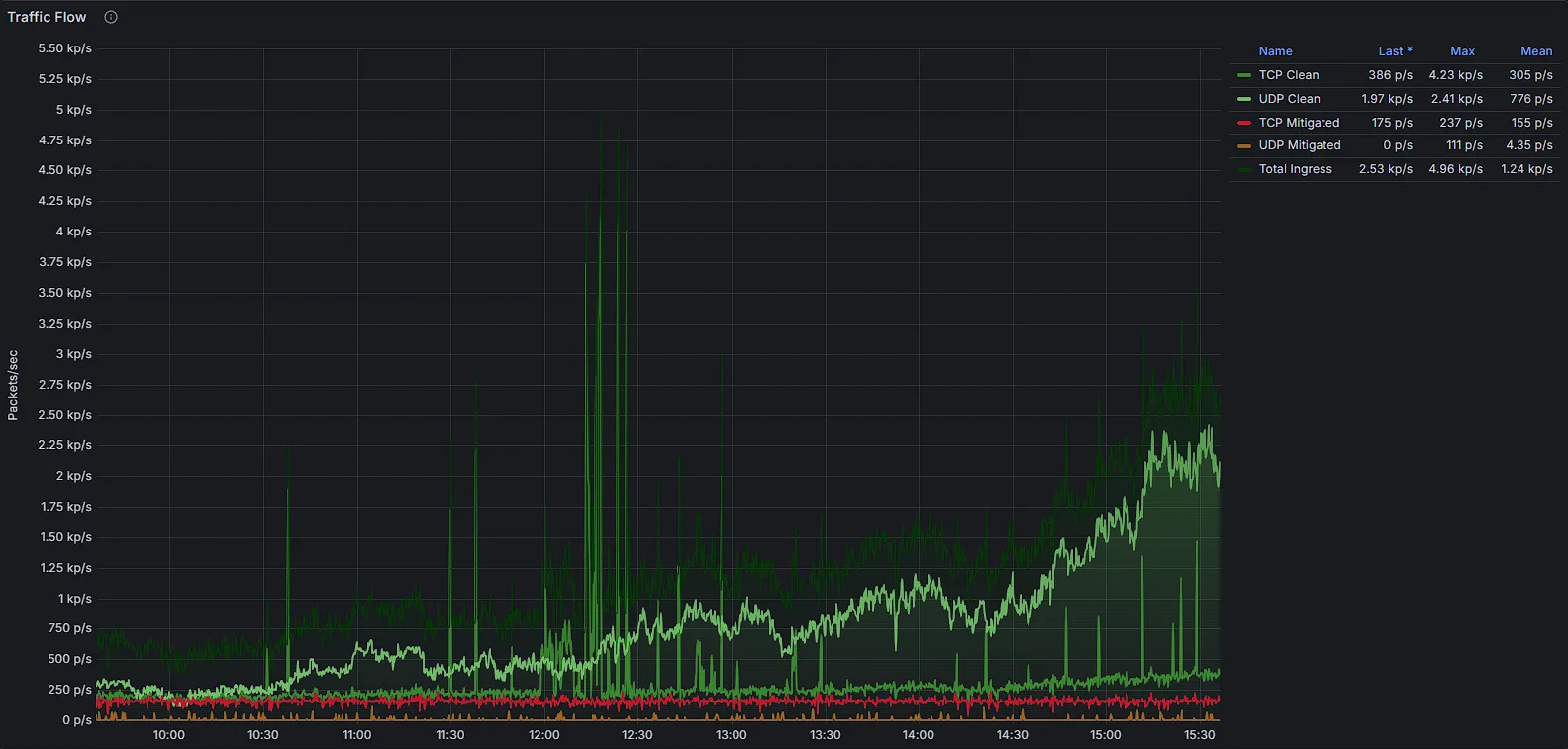
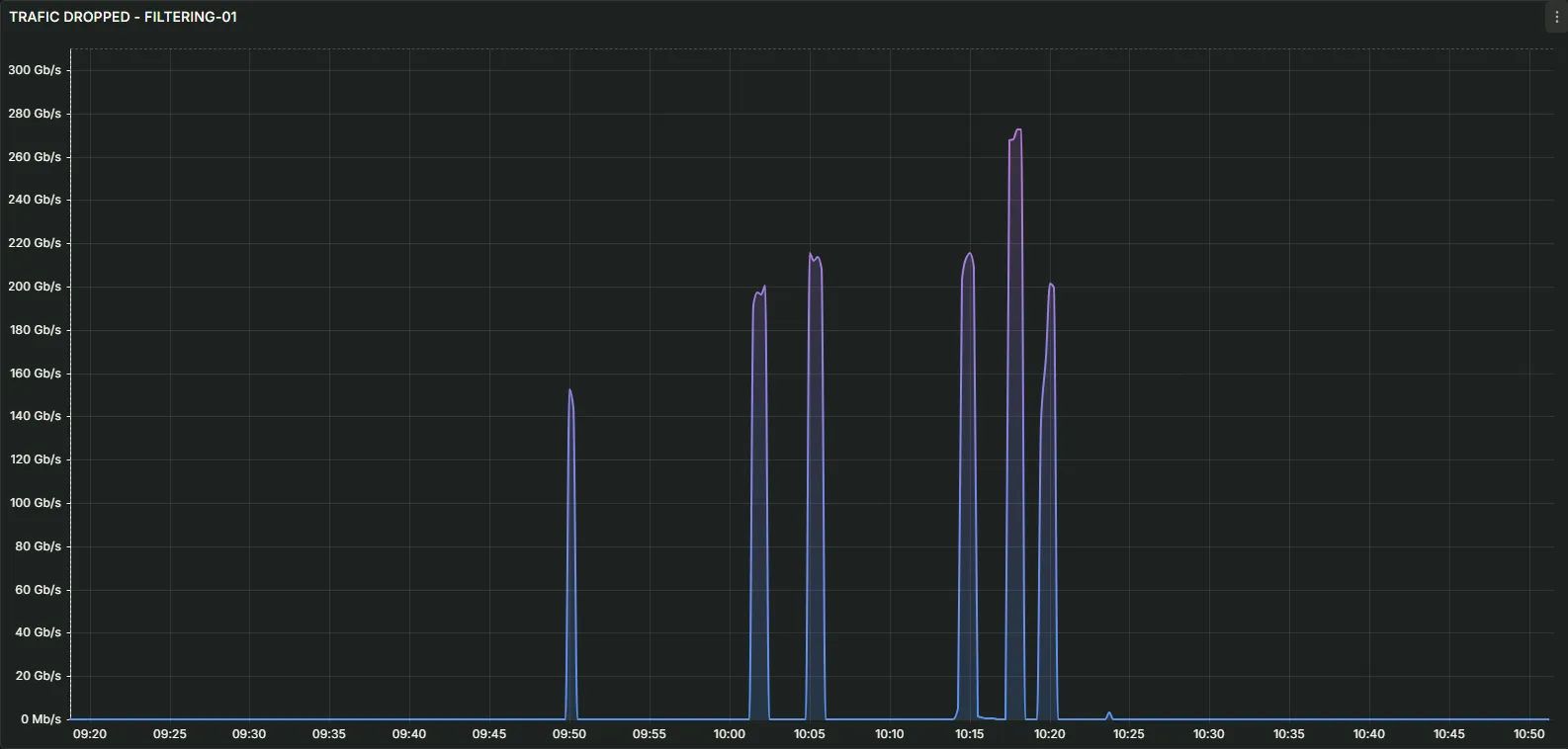
- Anti-DDoS protection
5. Monitoring and maintenance
Set up regular monitoring:
- Monitor CPU/RAM usage with txAdmin
- Restart the server daily
- Update your resources regularly
Conclusion
An optimized FiveM server = satisfied players = a growing community.
Need optimized FiveM hosting? FIVEMSHIELD offers VPS with 5.2GHz CPU and included Anti-DDoS protection.